Retrospective template
Went well, to improve, ideas, actions. Four boxes to look back without dwelling on it, and leave with concrete decisions.
A filled-in example
Went well
- Shipped on time
- Great pairing sessions
2 items
To improve
- Too many meetings
- Late design reviews
2 items
Ideas
- No-meeting Wednesdays
- Friday team demo
2 items
Actions
- Move stand-up to 9:30
- Write the release checklist
2 items
When to use it
At the end of a sprint, a project, a quarter or even a year. Retrospectives come from agile teams, but the format works just as well on your own, to take stock of a period.
- End of sprint for an agile team
- Project or launch review
- Monthly or quarterly check-in
- Personal end-of-year review
How to fill it in
- Went well: what worked and should stay.
- To improve: what got stuck, without looking for someone to blame.
- Ideas: what you could try next time.
- Actions: two or three concrete decisions, each with an owner. This is the box that still matters next week.
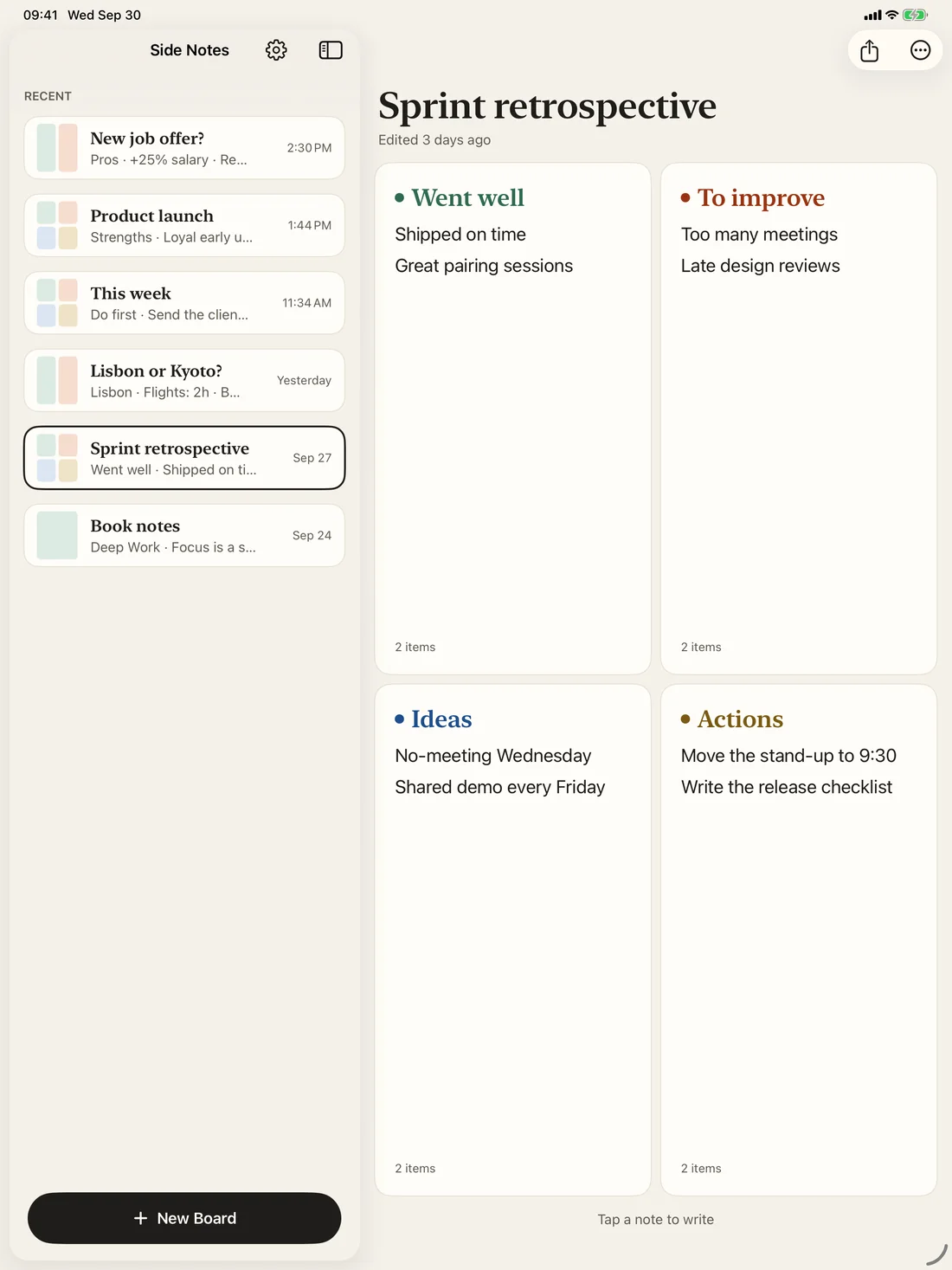
This template is waiting in Side Notes.
Create a board and pick “Retrospective”: the note headings are already in place. Free on iPhone, iPad and Mac.
Free, no ads, no account.
Printable version
A blank grid, ready to fill in with a pen. The button prints the example and the blank grid, without the rest of the page.
Retrospective template · Blank grid
Went well
To improve
Ideas
Actions
Frequently asked questions
How long should a retrospective take?
For a two-week sprint, 45 minutes to an hour. On your own, fifteen minutes is enough to go around the board.
How many actions should we keep?
Two or three. Beyond that, they do not get done. Read them again at the start of the next retrospective.